Einleitung
Der Bootloader ist die erste Software, die dein Rechner nach dem Einschalten ausführt. Unter Linux ist das in der Praxis fast immer GRUB 2. Wer GRUB beherrscht, kann Kernelwechsel sicher deployen, Dual-Boot-Systeme sauber verwalten und defekte Boot-Konfigurationen direkt auf der Konsole reparieren. Diese Lektion führt dich durch Installation, Aufbau und Konfiguration von GRUB 2 (mit Blick auf GRUB Legacy, BIOS/UEFI, /boot und ESP) – praxisnah und prüfungsrelevant.
GRUB Legacy vs. GRUB 2
- GRUB Legacy (0.97) ist historisch, modular, aber abgekündigt.
- GRUB 2 ist ein Re-Write: modulare Architektur, Skriptbarkeit, Themes, bessere UUID-Unterstützung, nicht-x86-Support und Auto-Erkennung.
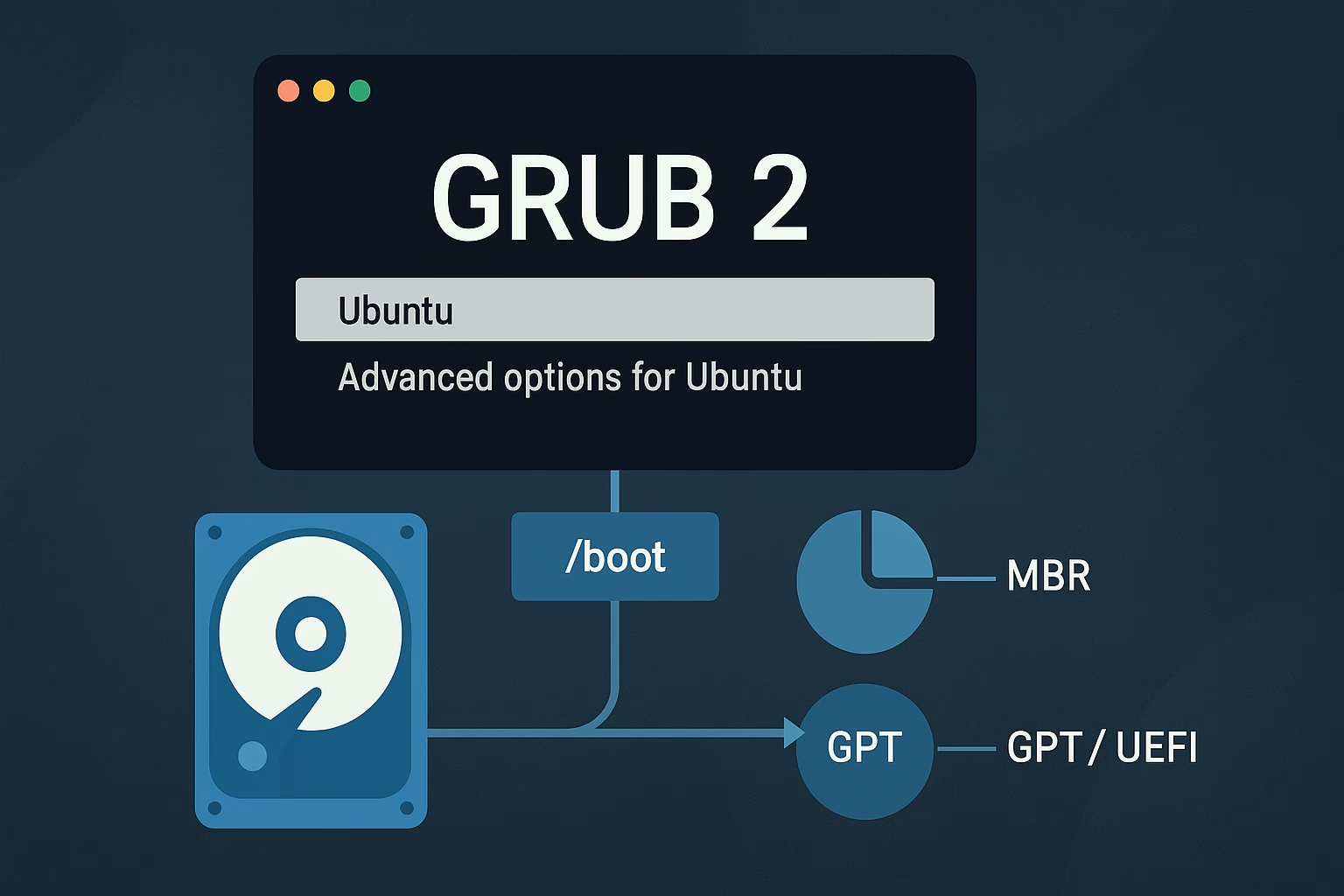
BIOS/MBR vs. UEFI/GPT: Wo liegt der Bootcode?
- BIOS + MBR: Code im MBR, weitere Teile im post-MBR-Gap; Menü/Module auf
/boot. - BIOS + GPT: benötigt eine BIOS-Boot-Partition.
- UEFI: GRUB als EFI-App auf der ESP (
/boot/efi).
Die /boot-Partition & ihr Inhalt
Separat besonders bei Verschlüsselung/exotischen FS. Typisch 300–1024 MB.
- Kernel:
vmlinuz-VERSION - Initrd:
initrd.img-VERSION - Hilfsdateien:
System.map-VERSION,config-VERSION - GRUB:
/boot/grub/(Konfig, Module, Fonts, Locale)
GRUB 2 installieren
Standardinstallation
sudo grub-install /dev/sda
sudo update-grub
# oder: sudo grub-mkconfig -o /boot/grub/grub.cfg
Rettung (Live-Medium, chroot)
sudo mount /dev/sda2 /mnt
sudo mount --bind /dev  /mnt/dev
sudo mount --bind /proc /mnt/proc
sudo mount --bind /sys  /mnt/sys
sudo mount /dev/sda1 /mnt/boot/efi   # falls UEFI
sudo chroot /mnt
grub-install /dev/sda
update-grub
exit
GRUB 2 konfigurieren
Hauptdateien
/boot/grub/grub.cfg– automatisch generiert/etc/default/grub– Verhalten/Defaults/etc/grub.d/– Skriptbausteine (z. B.40_custom)
Wichtige Optionen
GRUB_DEFAULT=,GRUB_SAVEDEFAULT=,GRUB_TIMEOUT=GRUB_CMDLINE_LINUX=,GRUB_CMDLINE_LINUX_DEFAULT=GRUB_ENABLE_CRYPTODISK=y
Nach Änderungen: sudo update-grub.
Eigene Menüeinträge
menuentry "My Rescue Kernel" {
    search --set=root --fs-uuid 5dda0af3-c995-481a-a6f3-46dcd3b6998d
    linux /vmlinuz root=/dev/sda1 ro quiet
    initrd /initrd.img
}
Interaktion: Menü, Editor, Shell
- Menü: Pfeile/Enter; Shift/Esc zeigt Menü an.
- Editieren: Eintrag → E → Ctrl+X/F10.
- Shell: C →
grub>
Booten aus der Shell
grub> ls
grub> set root=(hd0,gpt2)
grub> linux /vmlinuz root=/dev/sda2 ro quiet
grub> initrd /initrd.img
grub> boot
Rescue-Shell
grub rescue> set prefix=(hd0,gpt2)/boot/grub
grub rescue> set root=(hd0,gpt2)
grub rescue> insmod normal
grub rescue> insmod linux
grub rescue> normal
GRUB Legacy Kurzüberblick
- Konfig:
/boot/grub/menu.lst(direkt editieren) - Zählweise: Disk & Partition ab 0
title Windows
root (hd0,1)
makeactive
chainloader +1
boot
Geführte Übungen (mit Lösungen)
- Standort GRUB 2-Konfiguration? –
/boot/grub/grub.cfg - GRUB 2 ändern? –
/etc/default/grubbearbeiten,update-grub. - Eigene Einträge? –
/etc/grub.d/40_custom - Legacy-Menü? –
/boot/grub/menu.lst - Shell öffnen? – Taste c.
Offene Übungen (mit Lösungen)
- Legacy-Eintrag bootet nicht (root (hd0,2)): Partitionen zählen ab 0, für zweite Partition:
root (hd0,1). - Boot-Partition ermitteln:
fdisk -l /dev/sda(Sternchen zeigt Boot-Flag). - UUID anzeigen:
ls -l /dev/disk/by-uuid/oderblkid. - GRUB 2 per UUID:
menuentry "Default OS" {
  search --set=root --fs-uuid 5dda0af3-c995-481a-a6f3-46dcd3b6998d
  linux /vmlinuz root=/dev/sda1 ro quiet splash
  initrd /initrd.img
} - Timeout 10 s:
GRUB_TIMEOUT=10setzen, dannupdate-grub. - Legacy-Shell Installation (Platte 2, Part 1):
grub> root (hd1,0)
grub> setup (hd1)
Zusammenfassung
- GRUB 2 ist Standard; Legacy nur noch auf Altbeständen.
- BIOS/UEFI bestimmen, wo Bootcode/Dateien liegen (MBR, BIOS-Boot-Partition, ESP).
- Konfiguration via
/etc/default/grub+/etc/grub.d/, Build mitupdate-grub. - Notfälle löst du über Menü-Editor,
grub>und Rescue-Shell.
Wissensprüfung: 10 Multiple-Choice-Fragen
- Wo liegt die GRUB 2-Konfiguration?
- A) /etc/grub/grub.cfg
- B) /boot/grub/grub.cfg
- C) /etc/default/grub
- D) /usr/lib/grub.cfg
- Welche Datei für Defaults?
- A) /boot/grub/grub.cfg
- B) /etc/grub.d/40_custom
- C) /etc/default/grub
- D) /etc/grub.conf
- Konfig generieren?
- A) grub-update
- B) update-grub
- C) grub2-rebuild
- D) mkgrubcfg
- UEFI-Merkmal?
- A) Nur MBR
- B) BIOS-Boot-Partition Pflicht
- C) GRUB als EFI-App auf ESP
- D) Keine UUIDs
- ESP Mountpoint?
- A) /efi
- B) /boot/efi
- C) /boot
- D) /uefi
- Datei für eigene Einträge?
- A) /etc/grub.d/40_custom
- B) /boot/grub/menu.lst
- C) /etc/grub.conf
- D) /boot/efi/grub.cfg
- GRUB-Shell öffnen?
- A) e
- B) c
- C) r
- D) q
- GRUB Legacy Aussage?
- A) Partitionen ab 1
- B) Konfig in /boot/grub/menu.lst
- C) update-grub Pflicht
- D) Nur UEFI
- UUID-Links sehen?
- A) lsblk -m
- B) blkstat
- C) ls -l /dev/disk/by-uuid/
- D) cat /proc/uuid
- Reihenfolge beim Shell-Boot?
- A) initrd → linux → boot
- B) linux → initrd → boot
- C) boot → linux → initrd
- D) set root → boot → linux
Antworten und Begründungen
- B
- C
- B
- C
- B
- A
- B
- B
- C
- B